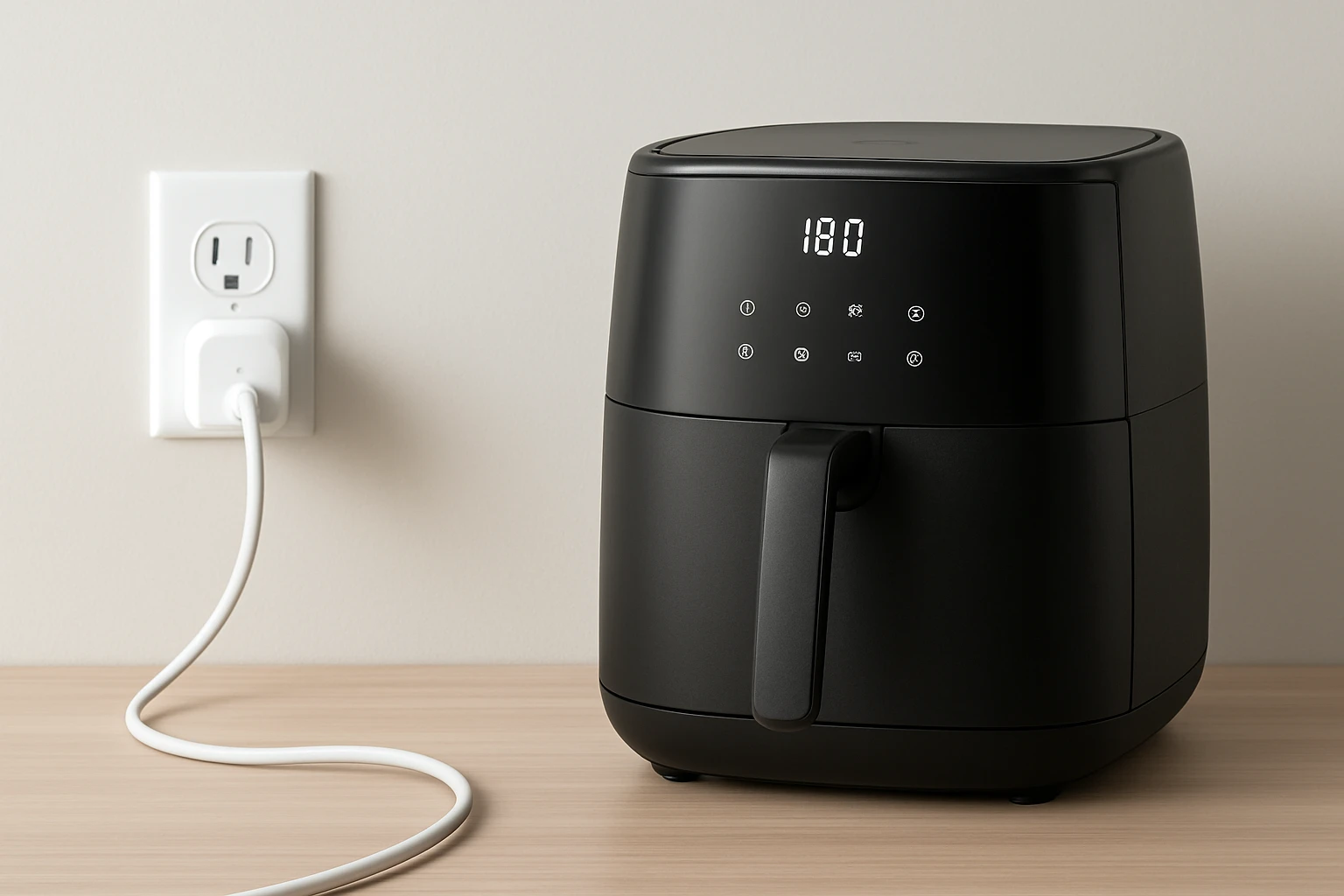
How to Schedule Your Air Fryer With Smart Plugs: Step-by-Step Guide to Save Electricity and Lower Bills
Introduction
In this guide, one will discover how to program an air fryer to operate only during off‑peak hours, thereby reducing electricity consumption and lowering monthly utility costs. The process involves selecting appropriate hardware, configuring a smart plug, and establishing reliable schedules through a mobile application. By following each instruction, the reader will gain confidence in automating kitchen appliances without sacrificing convenience. Ultimately, the guide demonstrates how technology can contribute to sustainable household management.
What You'll Need
- A Wi‑Fi enabled smart plug or smart switch compatible with 2.4 GHz networks.
- The air fryer you intend to schedule.
- A smartphone running iOS or Android with the Kasa app installed.
- Access to your home Wi‑Fi network.
- Optional: A professional electrician if you are uncomfortable working with electrical wiring.
For users who prefer a wall‑mounted solution rather than a plug‑in device, the Kasa Smart Dimmer Switch provides a reliable alternative. Although it is primarily designed for lighting control, the switch can be installed on a dedicated circuit that powers the air fryer, offering the same scheduling capabilities as a traditional smart plug.
Step 1: Verify Electrical Compatibility
Before purchasing any smart device, one must ensure that the existing wiring includes a neutral wire, as required by the Kasa Smart Dimmer Switch. The product description explicitly states that installation is impossible without a neutral conductor. If your home lacks this wire, consider using a commercially available smart plug that does not require wiring changes. Consulting a licensed electrician is advisable when the presence of a neutral wire is uncertain.
Why this matters: A neutral wire provides a return path for electricity, enabling the switch to remain powered even when the load is turned off. Without it, the device cannot communicate with your Wi‑Fi network, rendering scheduling impossible.
Step 2: Install the Smart Device
When installing the Kasa Smart Dimmer Switch, turn off power at the circuit breaker to eliminate any risk of electric shock. Remove the existing single‑pole switch, connect the line (hot) wire to the black terminal, the load wire to the red terminal, and the neutral wire to the white terminal as indicated in the wiring diagram. Secure the switch in the wall box and attach the cover plate.
After restoring power, the device will flash indicating it is ready for configuration. This step ensures a stable hardware foundation for subsequent scheduling actions.
Step 3: Connect the Device to Wi‑Fi
Launch the Kasa app on your smartphone and select “Add Device.” Choose “Smart Switch” from the list, then follow the on‑screen prompts to connect the switch to your 2.4 GHz Wi‑Fi network. The app will verify the connection and display the device name once pairing is successful. It is essential to use a 2.4 GHz network because the switch does not support 5 GHz frequencies.
Why the Kasa app is beneficial: The application provides a guided installation experience, automatically detecting wiring errors and suggesting corrective actions. Additionally, the app stores all schedules locally, allowing offline adjustments if the internet connection is temporarily unavailable.
Step 4: Create a Schedule for the Air Fryer
Within the Kasa app, select the newly added switch and navigate to the “Schedule” tab. Press “Add Schedule,” then define the days of the week, start time, and end time during which the air fryer may operate. For example, set the switch to power on at 6:00 PM and off at 7:00 PM on weekdays, aligning with typical dinner preparation periods.
Enable the “Away Mode” feature if you wish the switch to simulate activity while you are not at home. This function randomly turns the appliance on and off, enhancing home security without additional hardware.
Step 5: Test the Automation
After saving the schedule, manually trigger the switch from the app to confirm that the air fryer receives power. Observe the appliance’s indicator lights to ensure it powers on and off as expected. Allow the schedule to run for at least one full cycle to verify that the timing aligns with your intended usage pattern.
If the air fryer does not respond, double‑check that the outlet is correctly wired to the smart switch and that the appliance’s power cord is fully inserted. Adjust the schedule if necessary to accommodate any lag in the device’s response time.
Tips & Pro Tips
- Place the air fryer on a dedicated outlet that is not shared with high‑draw devices such as microwaves; this prevents voltage drops that could interfere with scheduling.
- Use the “Gentle Off” feature of the Kasa Smart Dimmer Switch to fade power gradually, reducing the sudden surge that can affect sensitive electronics.
- When configuring schedules, consider your utility provider’s time‑of‑use rates; running the air fryer during off‑peak hours can yield additional savings.
- Regularly update the Kasa firmware via the app to benefit from security patches and performance improvements.
Troubleshooting
Problem: The switch does not connect to Wi‑Fi.
Solution: Ensure your router is broadcasting a 2.4 GHz signal and that the SSID is not hidden. Restart both the router and the switch, then attempt reconnection through the app.
Problem: The air fryer fails to turn on at the scheduled time.
Solution: Verify that the switch’s “Load” setting matches the air fryer’s wattage (typically 1500‑1800 W). If the load exceeds the switch’s rating, the device may not supply sufficient power, and a higher‑capacity smart plug should be considered.
Conclusion
By following the steps outlined above, one can successfully automate an air fryer using a smart switch, thereby reducing electricity consumption and lowering monthly bills. The combination of reliable hardware, such as the Kasa Smart Dimmer Switch, and the intuitive Kasa app creates a seamless experience for homeowners seeking energy efficiency. Implementing these practices not only saves money but also contributes to broader environmental sustainability.
Products Mentioned in This Guide
Frequently Asked Questions
Can any air fryer be used with a smart plug?
Yes, as long as the fryer’s power draw is within the smart plug’s rated capacity, typically up to 1800 W.
Do I need a 2.4 GHz Wi‑Fi network for the smart plug?
Most smart plugs, including Kasa, require a 2.4 GHz network; they do not work on 5 GHz bands.
How does scheduling an air fryer lower my electricity bill?
Running the fryer during off‑peak hours takes advantage of lower utility rates, reducing the cost per kilowatt‑hour.
Is it safe to leave an air fryer plugged into a smart plug unattended?
Yes, if the smart plug has overload protection and you follow the fryer’s safety guidelines, it can operate unattended.
Can I control the schedule from my phone while away from home?
With the Kasa app you can edit or disable schedules remotely, provided the plug stays connected to Wi‑Fi.